


Connecting iGauge

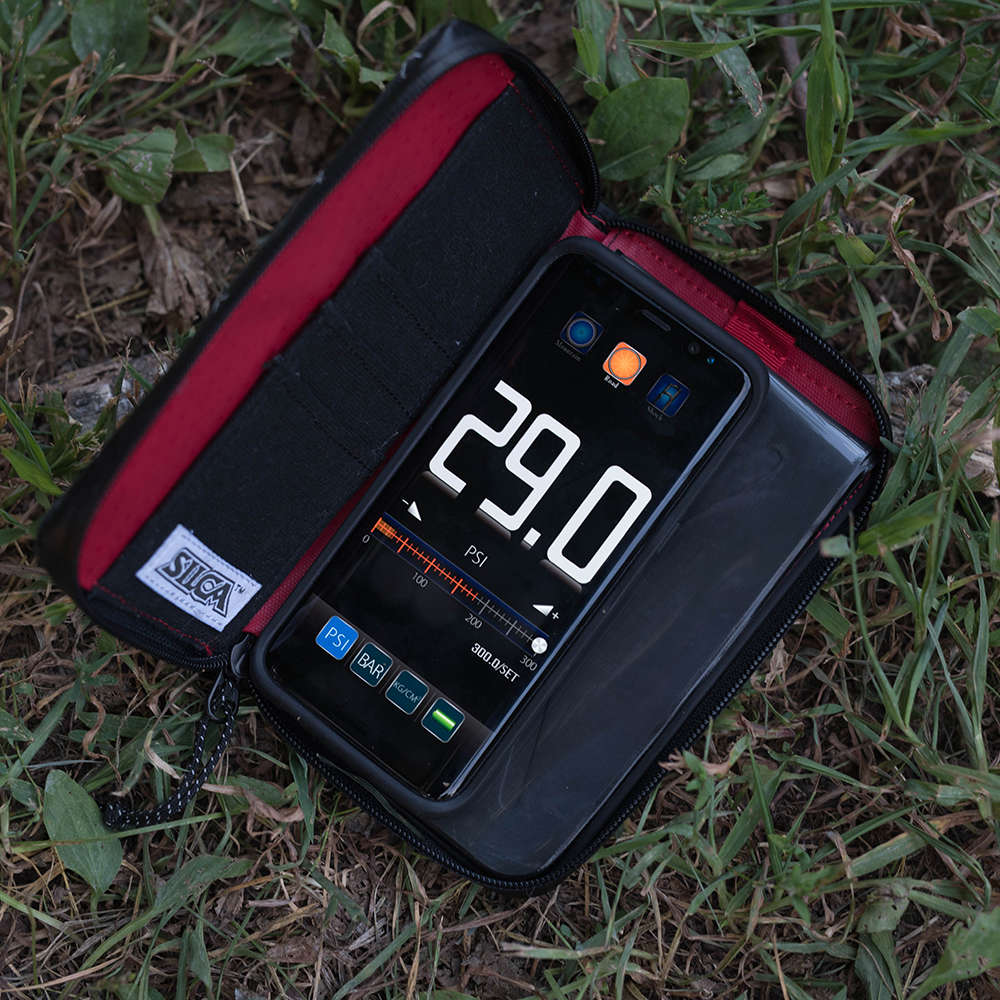
Smartphone in a zippered black-and-red case displays a digital pressure gauge reading 29.0 PSI, lying open on dry grass and scattered leaves outdoors.
Follow the steps below to connect your VIAGGIO Travel Pump or TATTICO Bluetooth® to the iGauge app on your Apple or Android device.
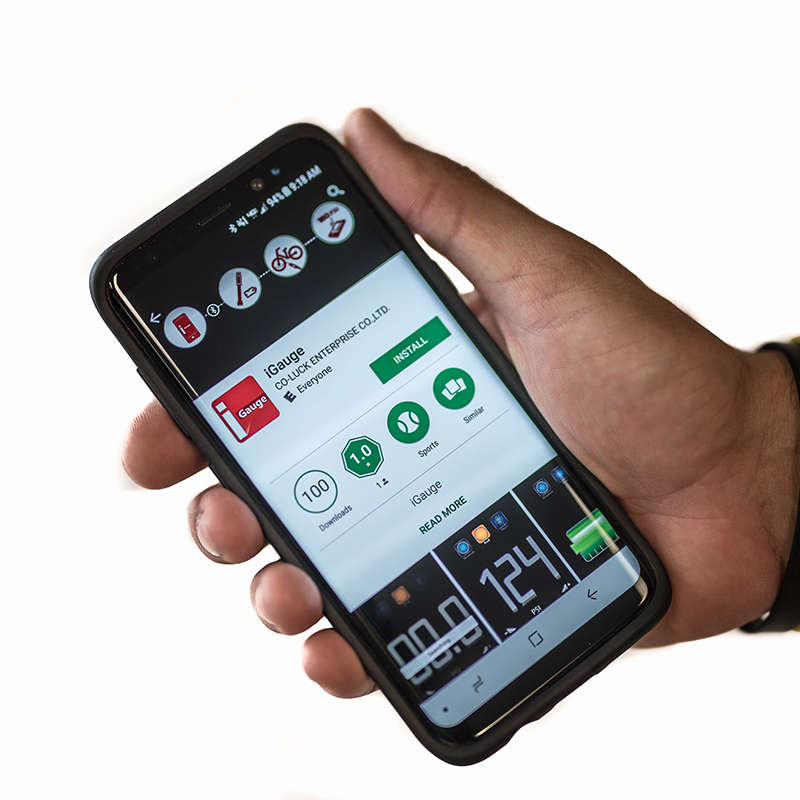
Smartphone displaying an app store page for "iGauge" with an Install button (object-action), held in a person's hand against a plain white background (context).
Red, rounded-square app icon showing a white lowercase "i" at left and the word "Gauge" in white to its right; glossy diagonal highlight and subtle shadow give a polished, three-dimensional look.
1. Download the iGauge app from Apple App Store or Google Play from your smartphone.
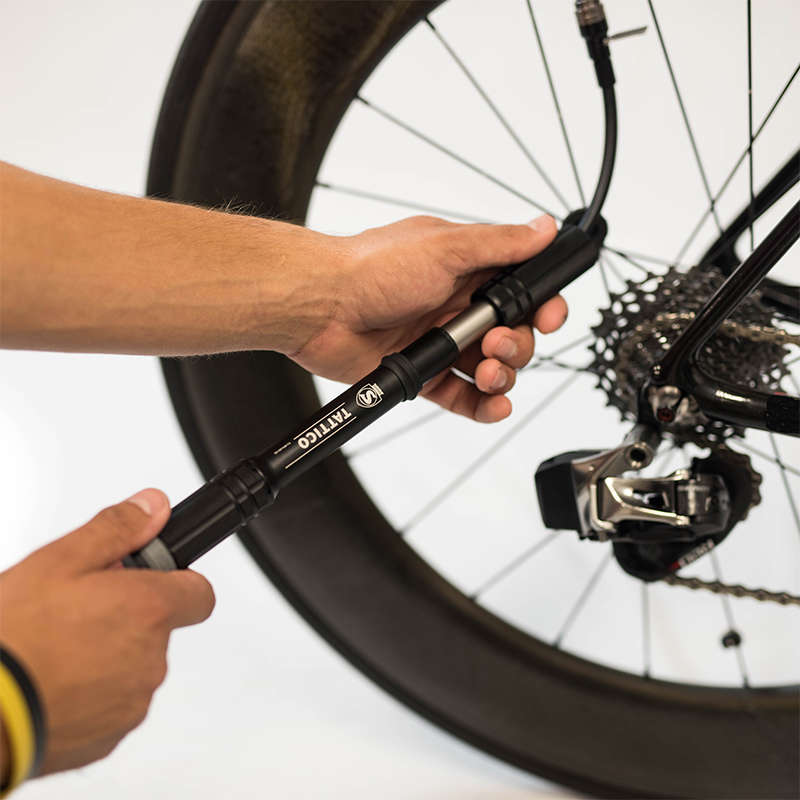
Handheld bicycle pump — being used to inflate a rear tire through a hose attached to the valve — close-up of hands working near the bike's rear wheel, cassette, and derailleur.
2. Engage the pump's chuck on the valve stem and move the valve lever to the 'lock' position.
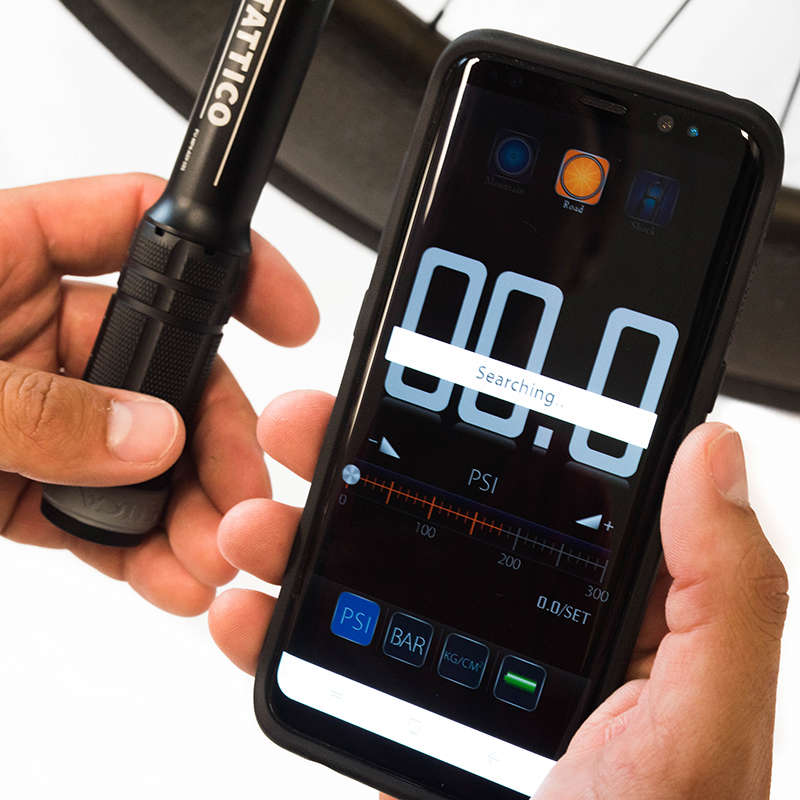
Smartphone displaying a pressure-gauge app reading "Searching," held near a black handheld pressure sensor/pump, both hands visible, positioned above a bicycle wheel rim.
3. Open the iGauge app on your mobile device.
The app will indicate 'SEARCHING' as shown
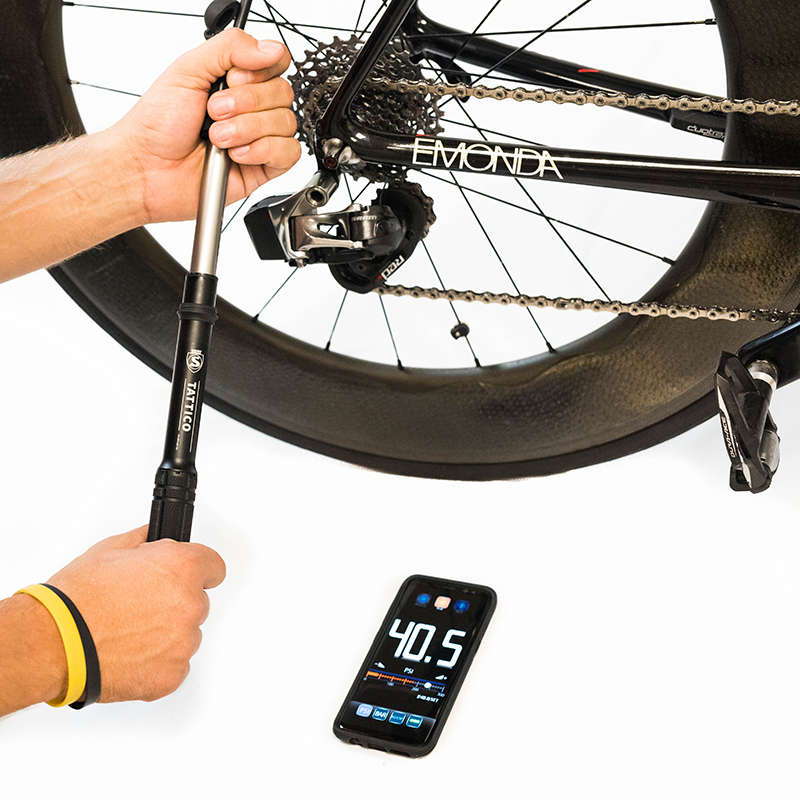
Road bicycle rear wheel — hands operate a torque wrench on the axle/derailleur area — on a white surface with a smartphone nearby displaying "40.5."
4. Begin using the pump
Using the pump activates the Bluetooth transceiver which then begins transmitting data to iGauge once you have amassed 6psi in the tire.
5. Continue pumping to your desired pressure then remove the chuck from valve, close the app, and you're all set.